
REST API Connector
Knowledge Management (KM) REST API Connector
The Leena AI REST API Connector allows enterprise developers to programmatically push articles and attachments into the Leena Knowledge Base. This provides full control over data synchronization from custom CMSs, internal wikis, or proprietary systems.
Getting Started
1. Connection Setup
-
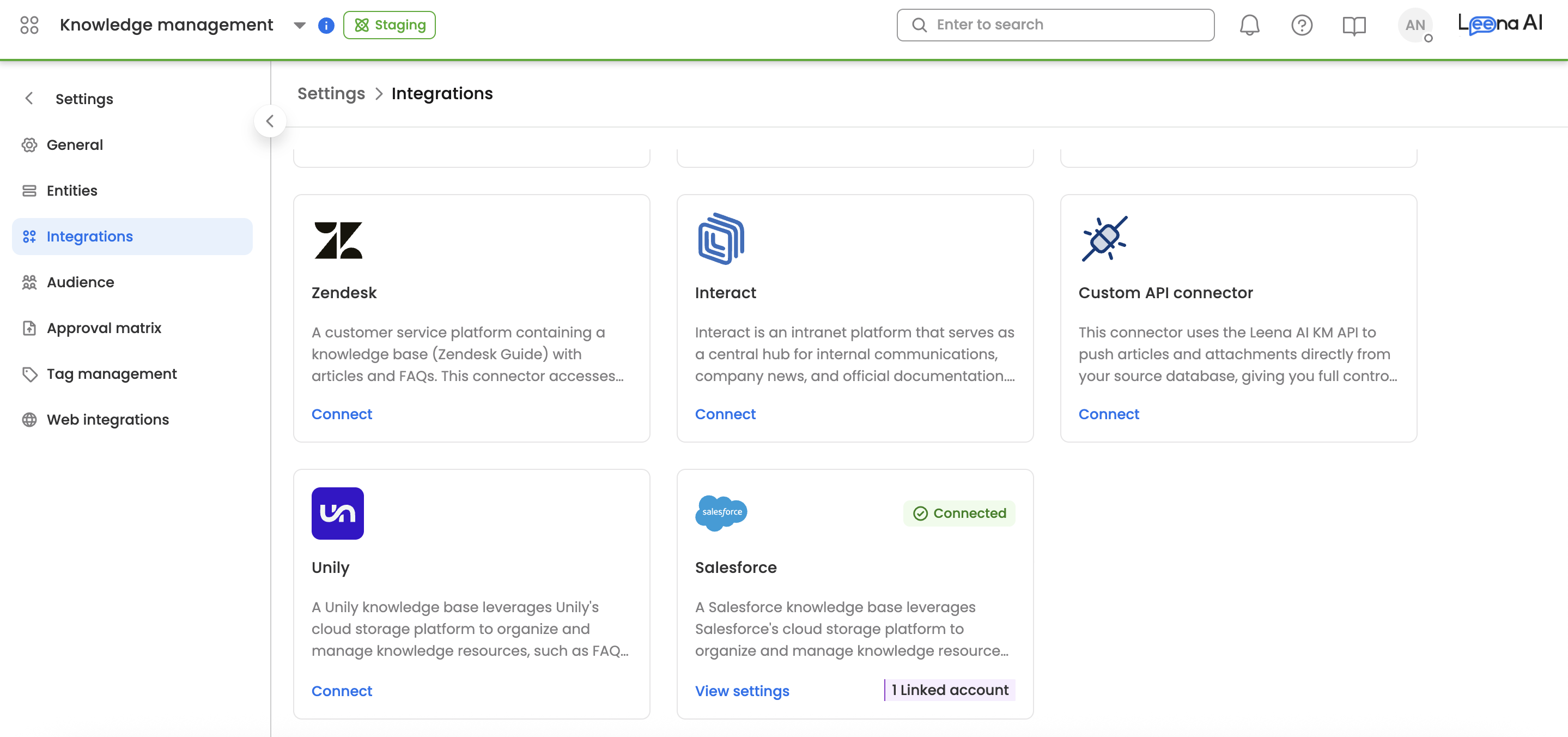
Navigate to the KM Integration Gallery in your Leena AI dashboard.
-
Select the Custom API Connector card and click Connect.
-
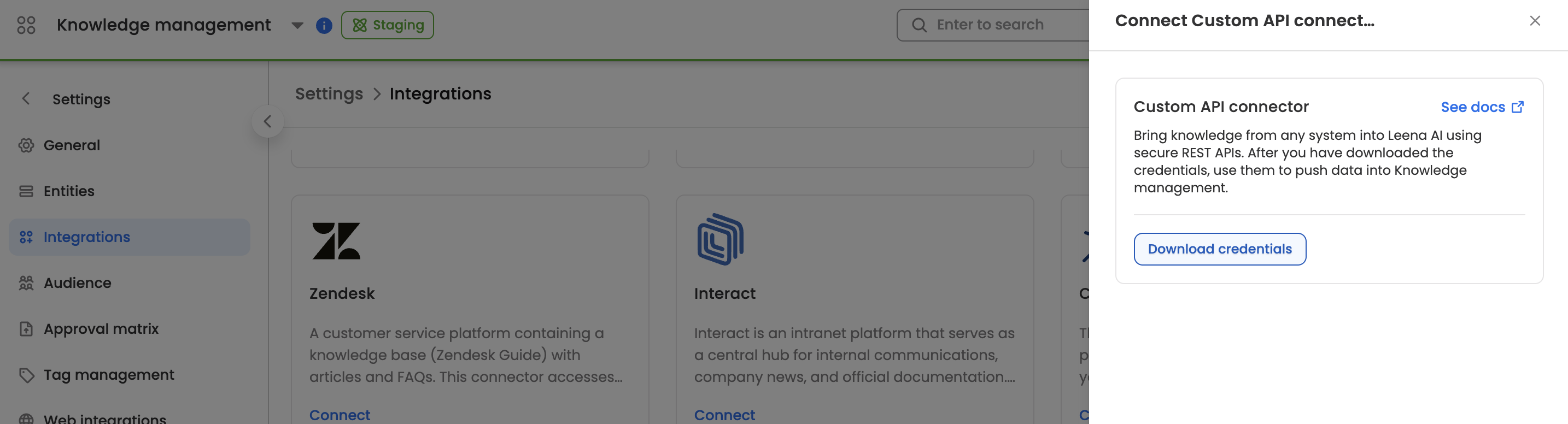
In the sidesheet, click Download Credentials.
[!IMPORTANT]
A file containing yourclientId,clientSecret,username, andpasswordwill download automatically. The "Download Credentials" button will disable immediately after download. If credentials are lost, you must disconnect and reset the entire flow.
2. Implementation Sequence (The Correct Flow)
To ensure data integrity, requests must be executed in this specific order:
| Step | Action | Endpoint | Description |
|---|---|---|---|
| 1 | Authenticate | /oauth/token | Obtain the Bearer token (expires every 30m). |
| 2 | Push Content | api/integration/articles/upload/` | |
| 4 | Initial Sync | api/integration/articles/sync/ | Critical: Triggers the background processing and indexing |
| 5 | Finalize | api/integration/articles/sync/complete/` |
Technical Reference
Authentication
- Endpoint:
POST https://acl.leena.ai/api/v1.0/oauth/token - Header:
Authorization: Basic <Base64(clientId:clientSecret)>
{
  "username": "your_provided_username",
  "password": "your_provided_password",
  "grant_type": "password"
}
Article Data Structure (POST .../upload-articles)
POST .../upload-articles)| Field | Type | Required | Description |
|---|---|---|---|
reference_id | String | Yes | Unique ID (Format: <ArticleId>$<Language>) |
name | String | Yes | Title of the article |
html_content | String | Yes | Body content in HTML format |
attachments | Array | No | List of attachment_id values from Step 3 |
Security & Reliability
The "Batch" Rule
[!WARNING]
Atomic Integrity: Even if a single attachment fails, the entire batch is marked as failed. Do not call/sync/complete/if you receive error codes during the upload phase. Instead, retry the complete article unit.
Webhook Verification
If using the V2 Async API, Leena AI sends callbacks to your URL. Verify the X-Leena-Signature header using your clientSecret via HMAC-SHA256.
Retry Strategy (Exponential Backoff)
- Retry 1: 1s | Retry 2: 2s | Retry 3: 4s | Retry 4: 8s | Retry 5: 16s
Monitoring
- Sync Logs: Found in the KM module; provides article-level success/failure logs.
- Downstream: Once
/sync/complete/is successful, articles appear in the Conflict Dashboard and Smart Testing modules.
Updated 8 months ago