
Send To Node
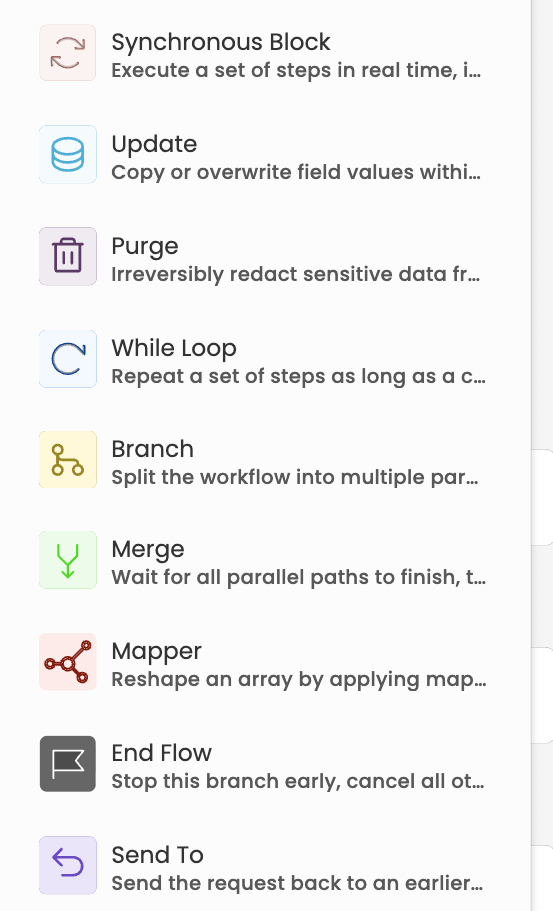
The Send To node sends a request back to an earlier Initiator Input, Input or Approval step in the workflow — the same way a rejection with "send back to step" does, but as a standalone step you place anywhere in the flow.
When to use it
Use Send To when a request shouldn't simply be approved or rejected, but needs an earlier step to be redone — for example, routing a request back for correction after a Decision branch detects invalid data, or returning the form to the requester for revision.
Configuration
- In the workflow canvas, open Add nodes and select Send To.
- Connect the node into the flow. The target dropdown stays empty until the node has an incoming connection.
- Give the node a name and description, then pick the target under Send request to.
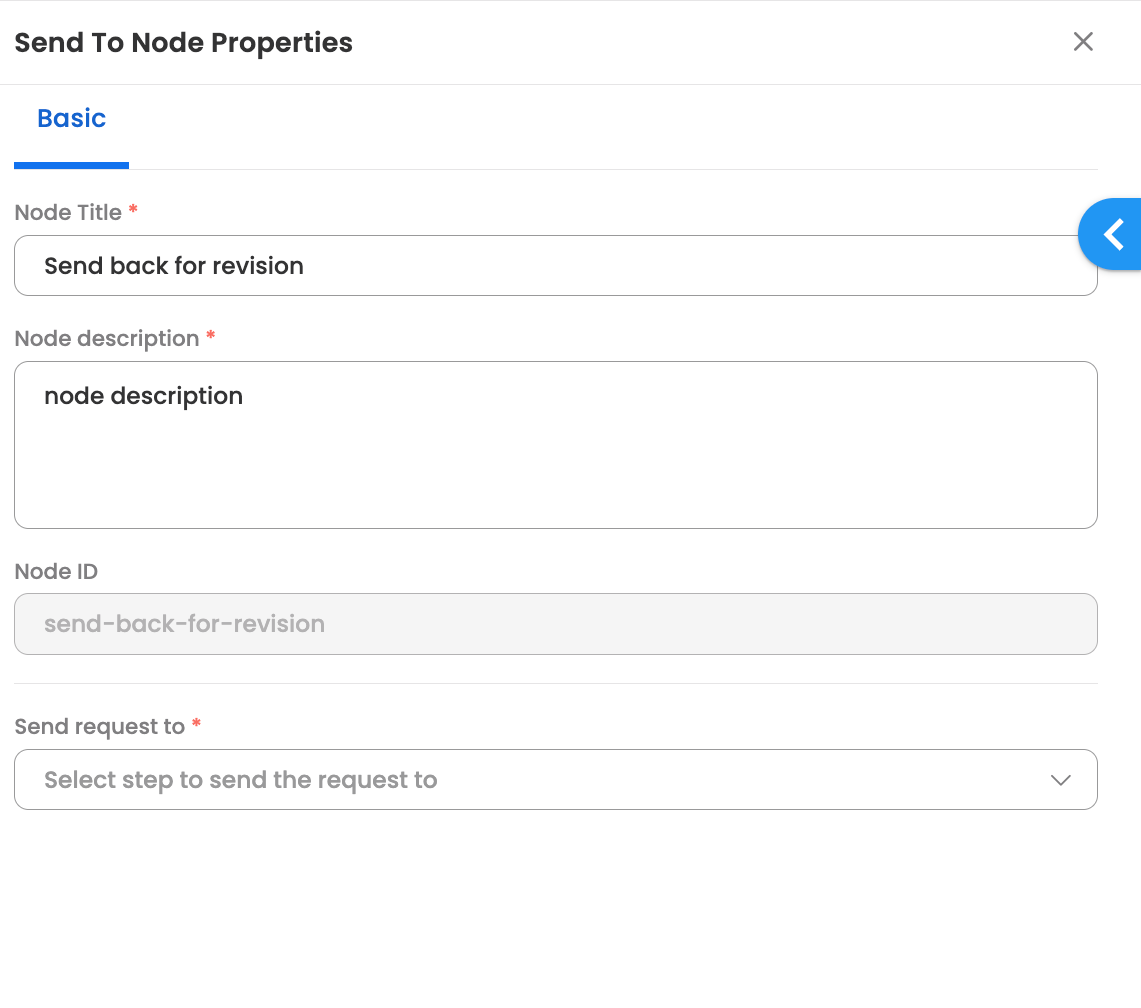
The Send request to dropdown lists the eligible earlier steps — Initiator Input, Input and Approval nodes that lie on the path leading to this node. Steps inside a Sync Block or inside a For Each/While loop can't be selected, and an Initiator Input with no form configured appears disabled.
What happens at execution
- When the workflow reaches the Send To node, the request is routed back to the selected step, exactly like a rejection send-back.
- All in-progress steps on the path from the target step onward are marked Canceled, so no stale tasks remain open.
- The target step is re-initiated and assigned again. The "actor" recorded for the send-back is the user who most recently submitted a preceding Input or Approval step (for an Initiator Input target, the request's initiator).
- Data already submitted in earlier steps is not deleted — the request simply resumes from the target step, and the re-submitted responses flow forward as usual.
Visibility
- The send-back is reflected in the request's progress path and Reports: canceled steps show as Canceled, and the re-initiated step appears with the Send To node recorded as its source.
- The re-assigned task appears in the assignee's My Tasks, and the notification sent for it can be customised via the Message on Send To Reassignment template under Node Notification Templates.
Updated about 1 hour ago